Choose anywhere
Search for a real destination or begin where you are curious—from a nearby street to another continent.
Pick a place and see where it takes you. Explore real cities and wild places, drive real roads, build a home, or start a career. Go your own way or bring friends along—from familiar streets to the ocean floor and beyond Earth. Start anywhere. Make the journey your own.
Enter the globe to explore freely, or create your character, choose a career and pick your first car.
Desktop is recommended for the highest detail. Phones have touch controls. Large locations can take over a minute to load.
Add the free web app to your phone, tablet or computer. Open it from your Home Screen or apps, with the same online world and controls.

Internet is required to explore. The latest game loads when you open it online; a connection screen helps you retry when offline.
Choose your device below for installation steps.
Sign in and check your account save before switching devices. Guest progress stays on this device; use Journal → Profile → Data and backup to keep a copy.
If this page offers an Install button, you can use it directly. Menu labels vary by browser.
Your device adds a World Explorer 3D icon. No App Store account is needed for the web app.
If your browser has no install option, you can keep playing in it or use a supported browser.
Open the game and look for Install app or Add to Home Screen in your browser menu. If neither is available, bookmark the game. Installation and 3D graphics support depend on your device and browser.
Start with a familiar street or somewhere you have never been. Explore on foot, change vehicles, try a field activity, or build a place to return to.
Search for a real destination or begin where you are curious—from a nearby street to another continent.
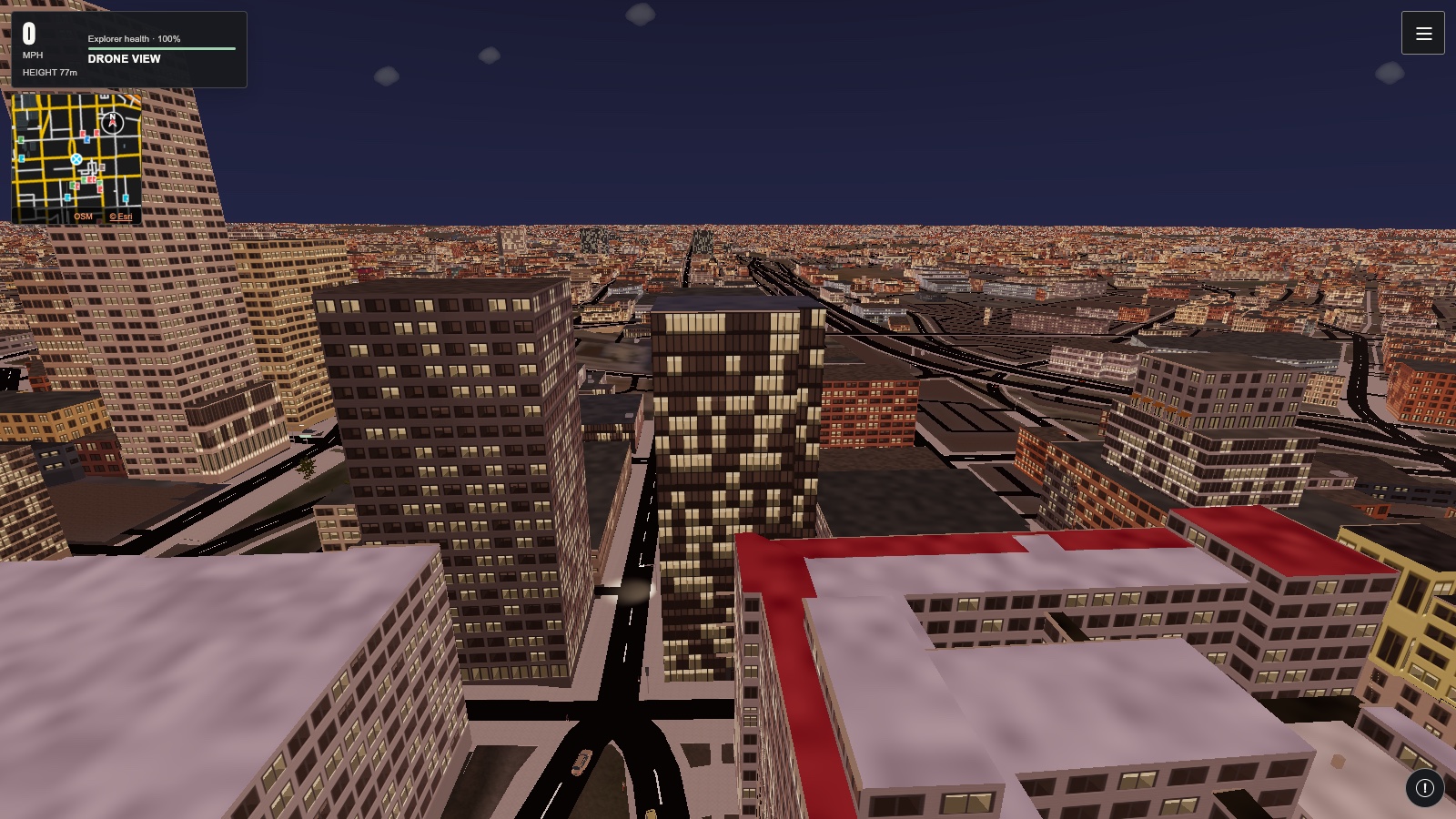
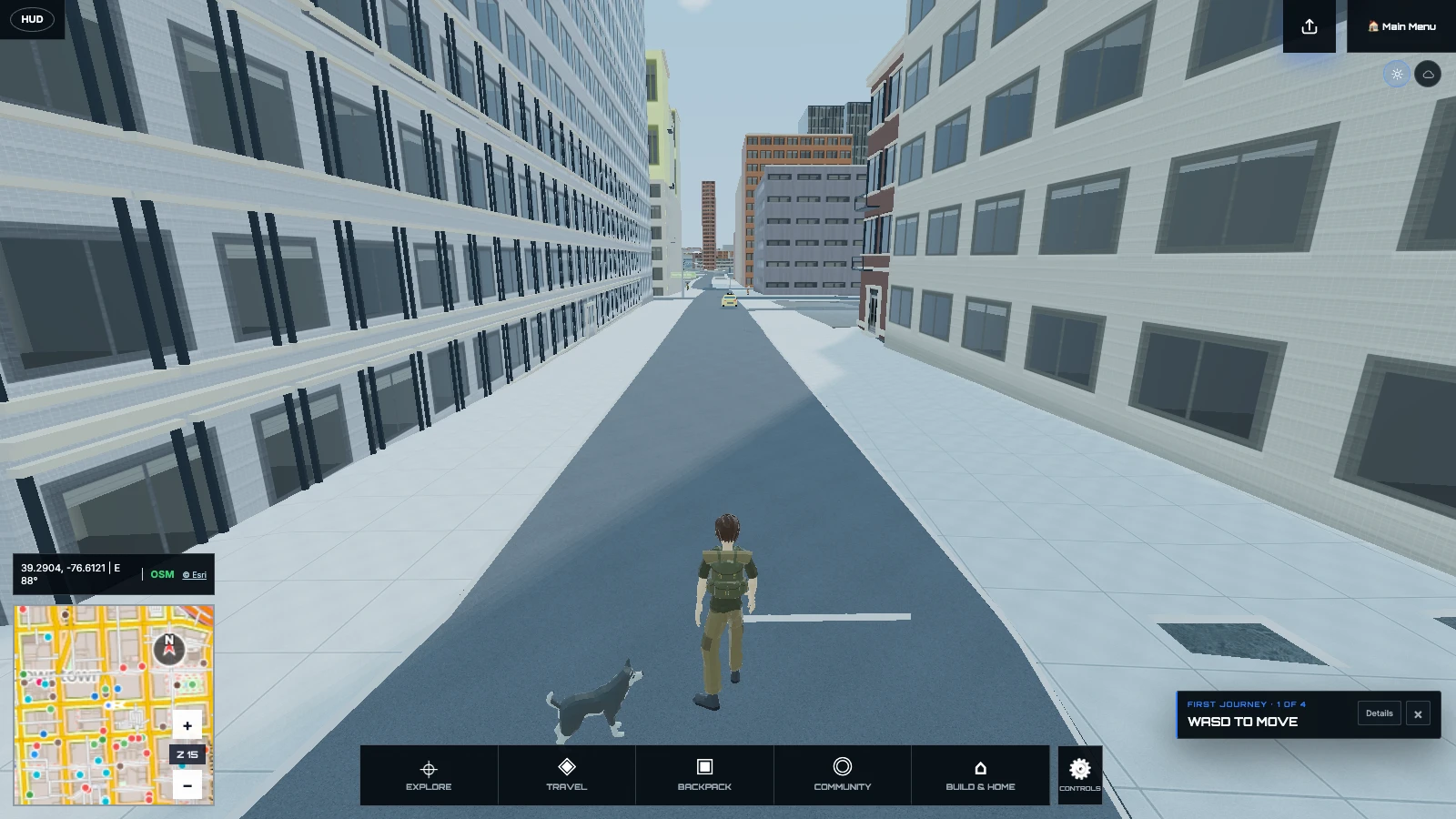
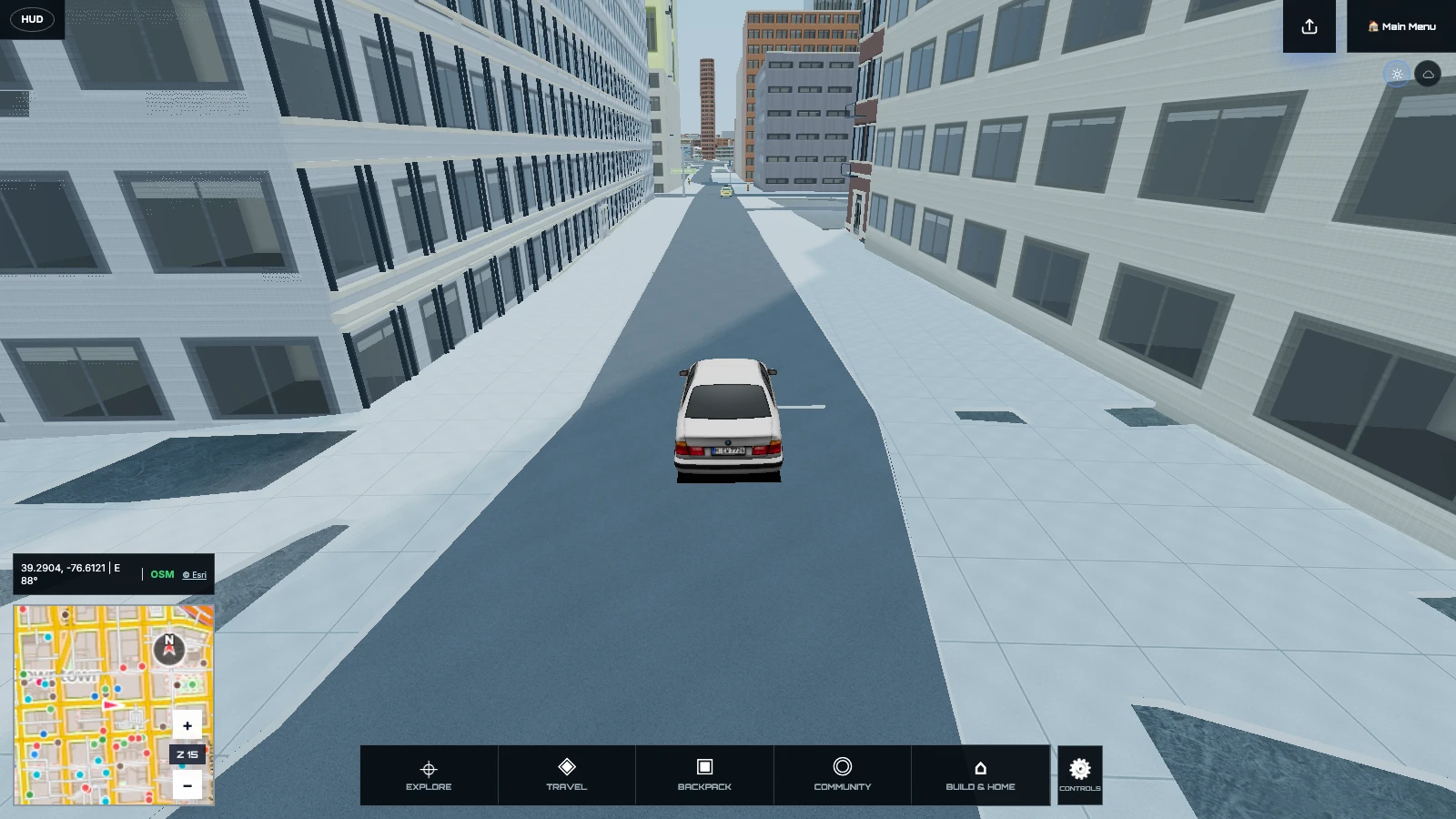
Walk at street level, drive farther, launch a boat, take to the air, or pull back to the living globe.
Look for wildlife, plants, geology, metal finds, landmarks, changing weather, and other field opportunities.
Build a field journal, earn trust with companions, save places, create rooms, contribute edits, and return.
Begin at the globe, arrive at street level, and change how you travel without leaving your expedition.
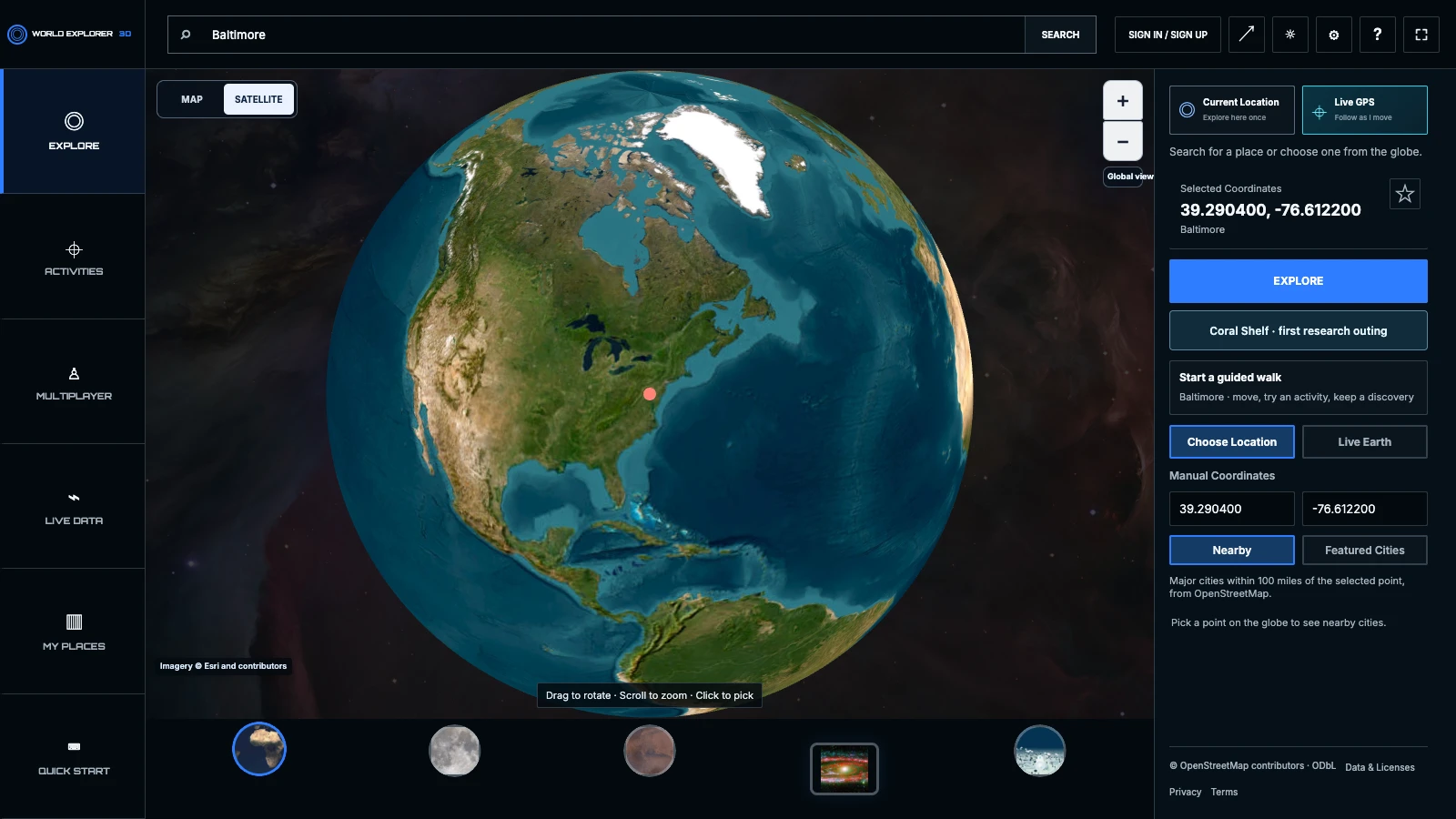
Search for a place, enter coordinates, or pick a featured destination. World Explorer brings you into the same connected experience for walking, driving, field work, building, and flight.
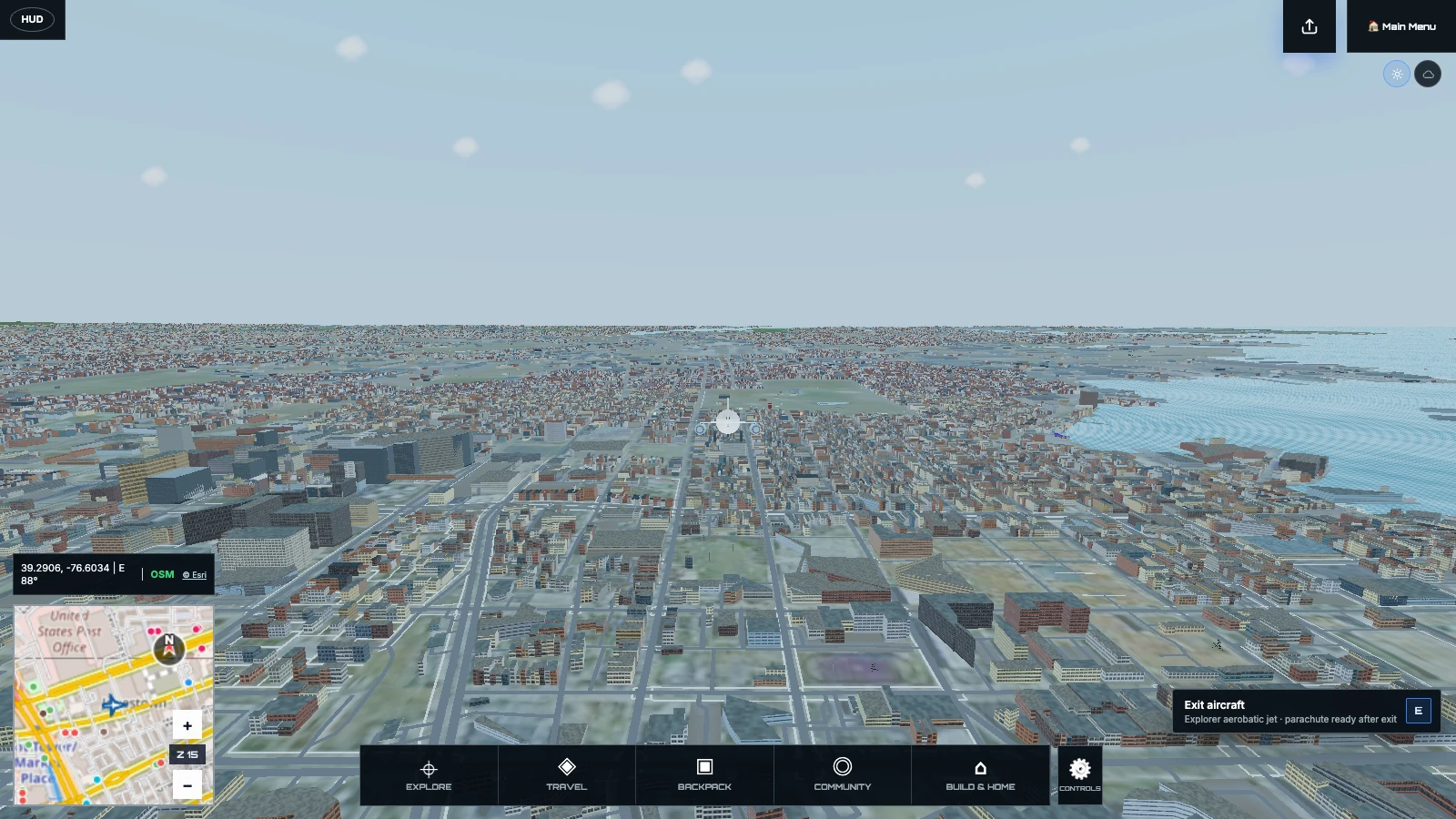
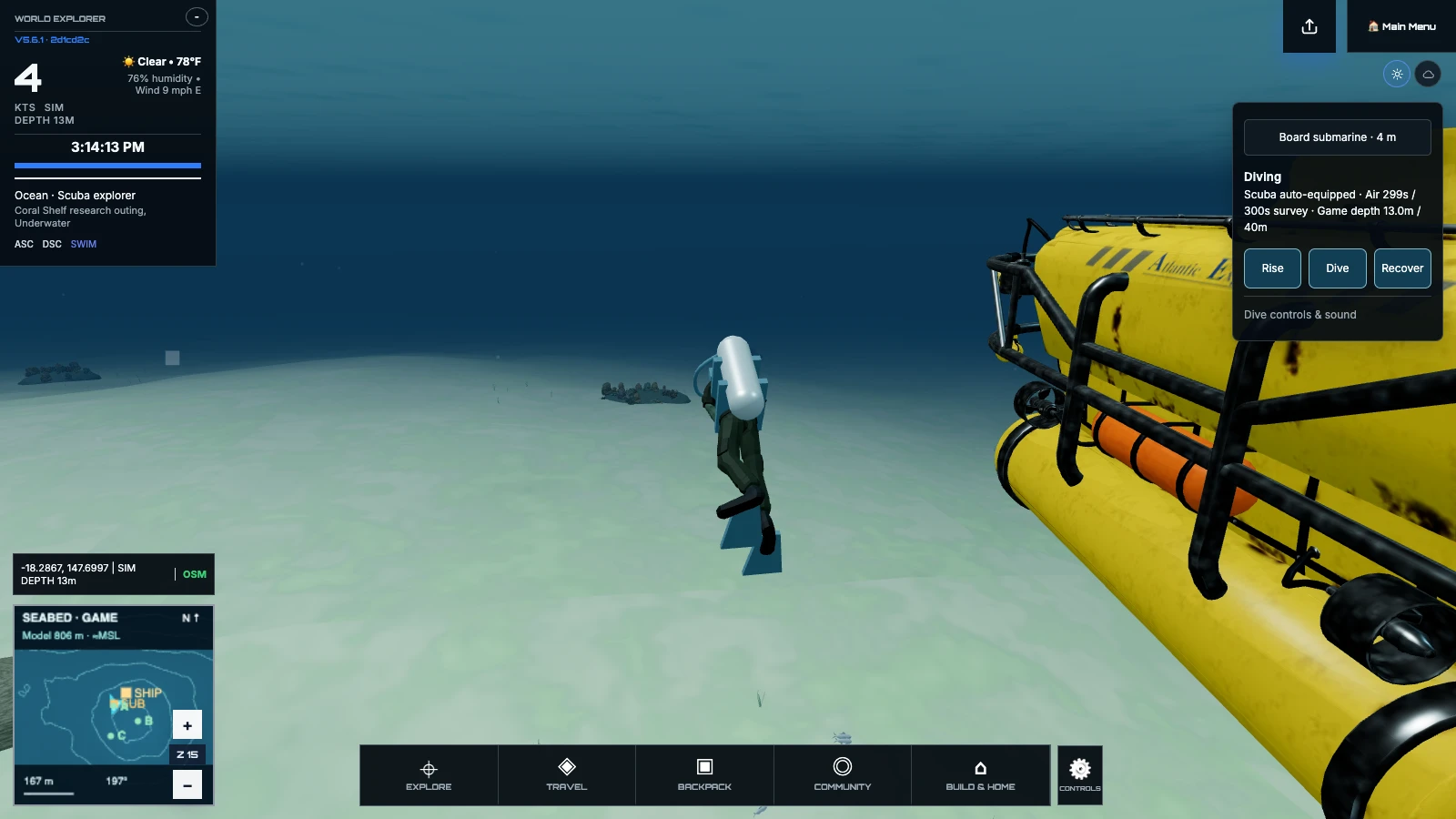
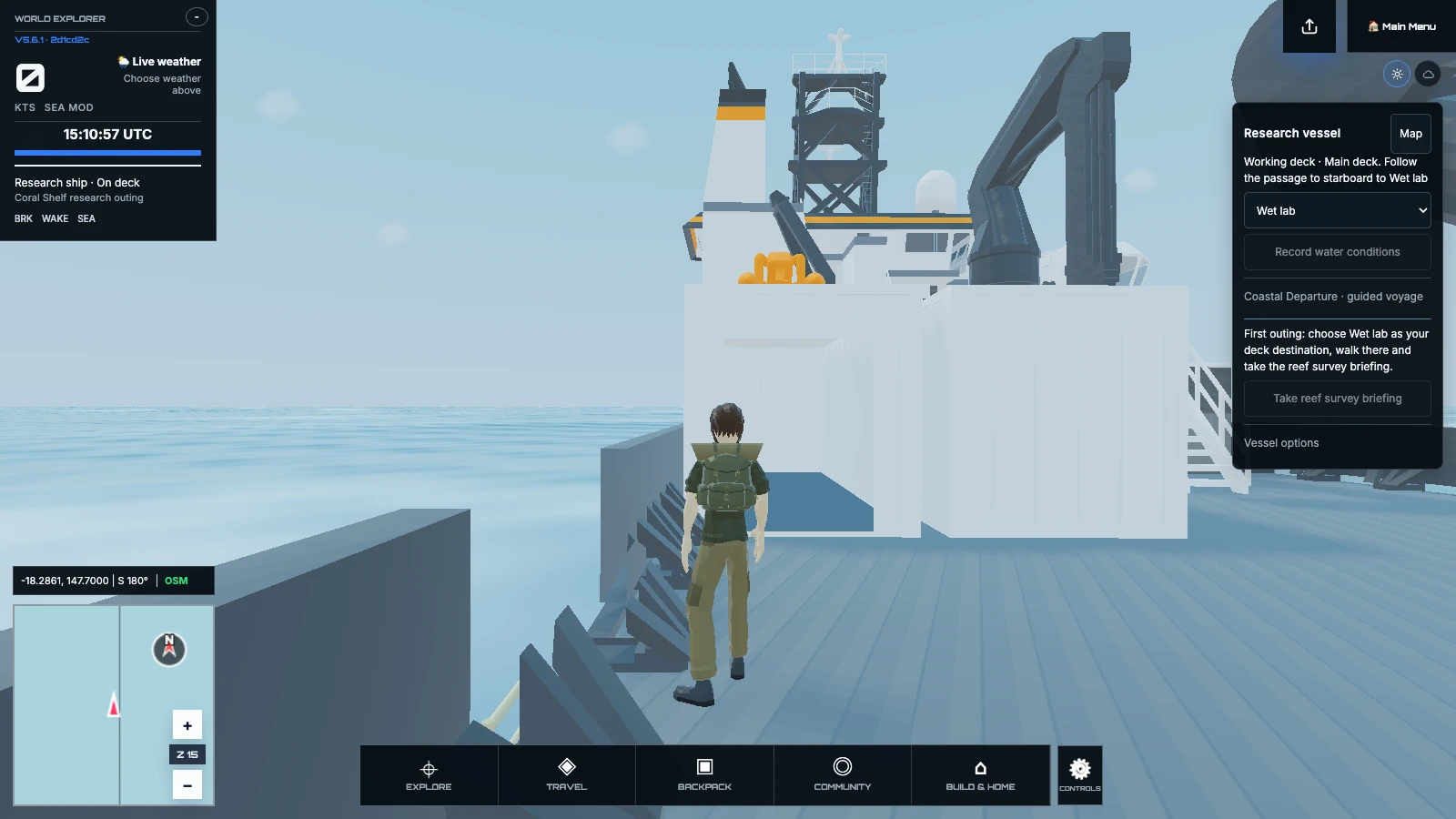
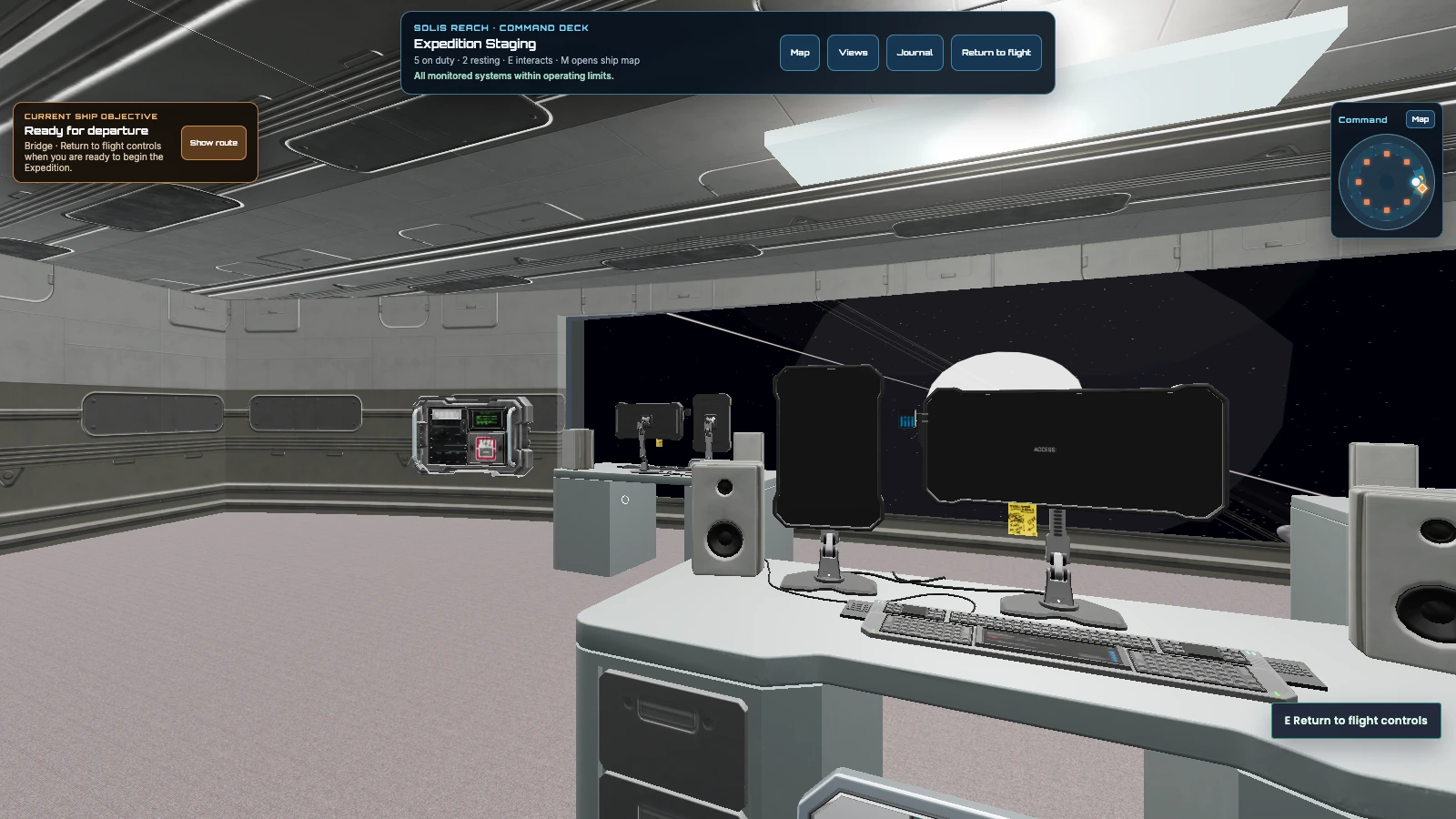
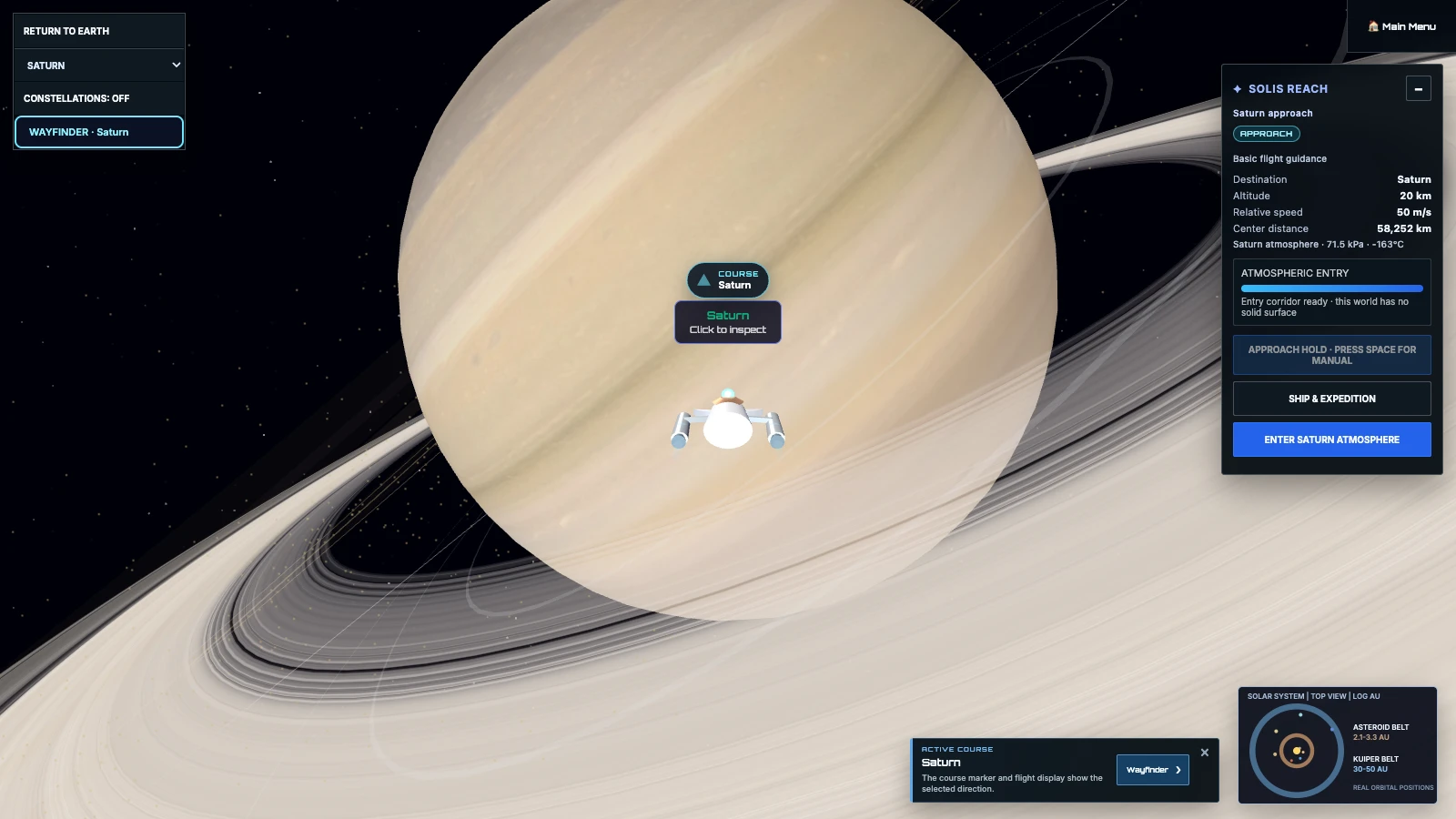
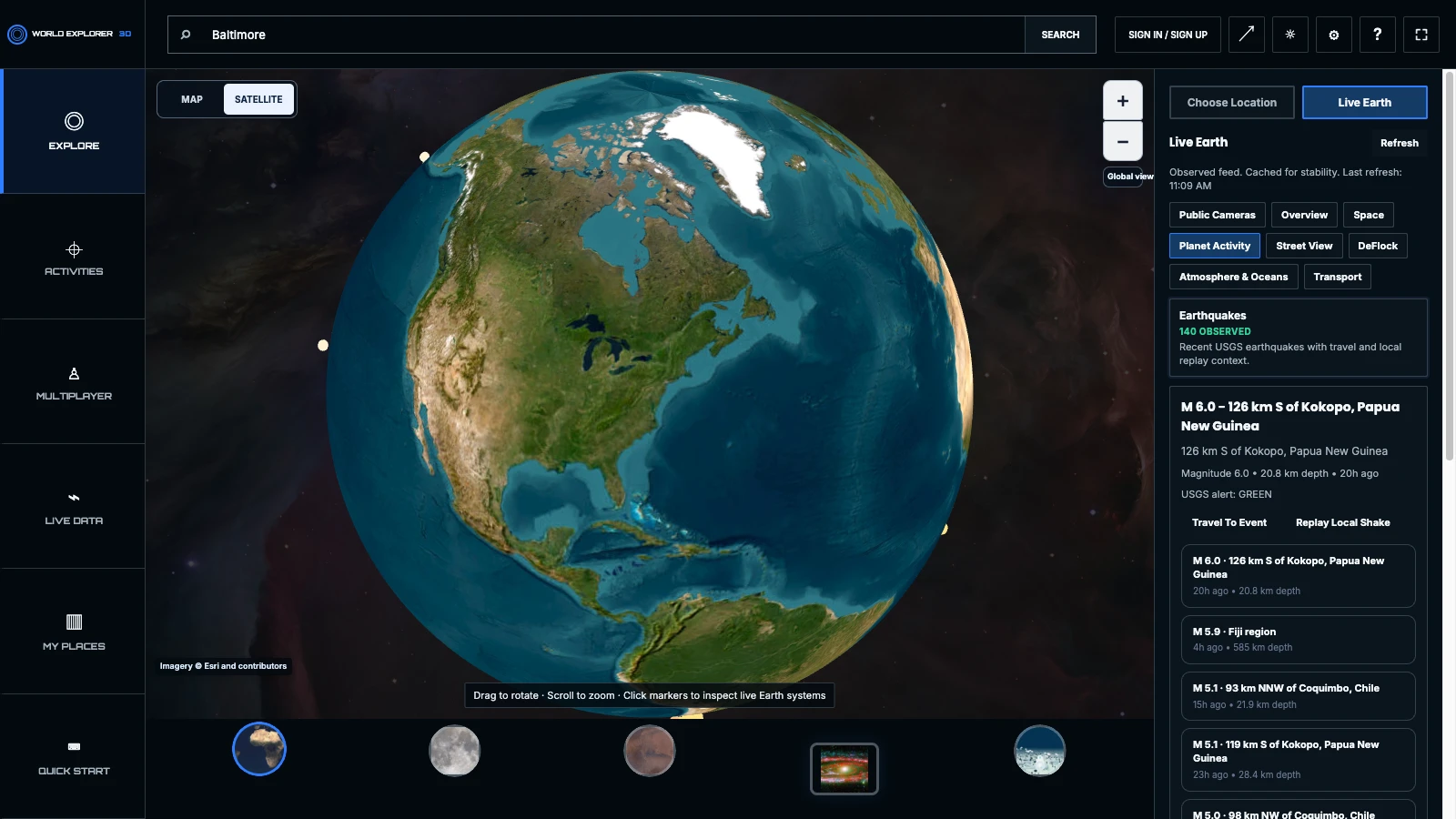
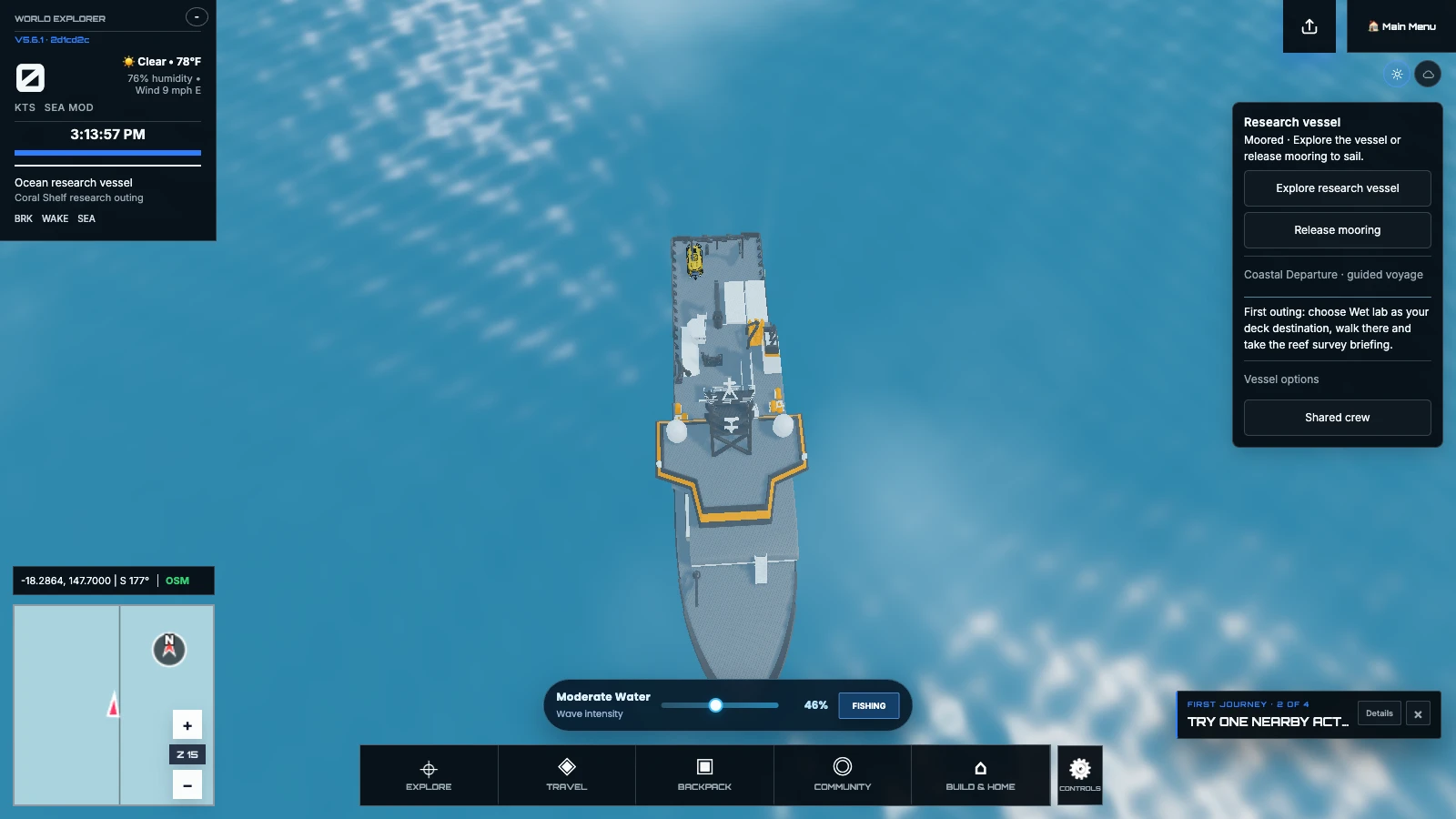
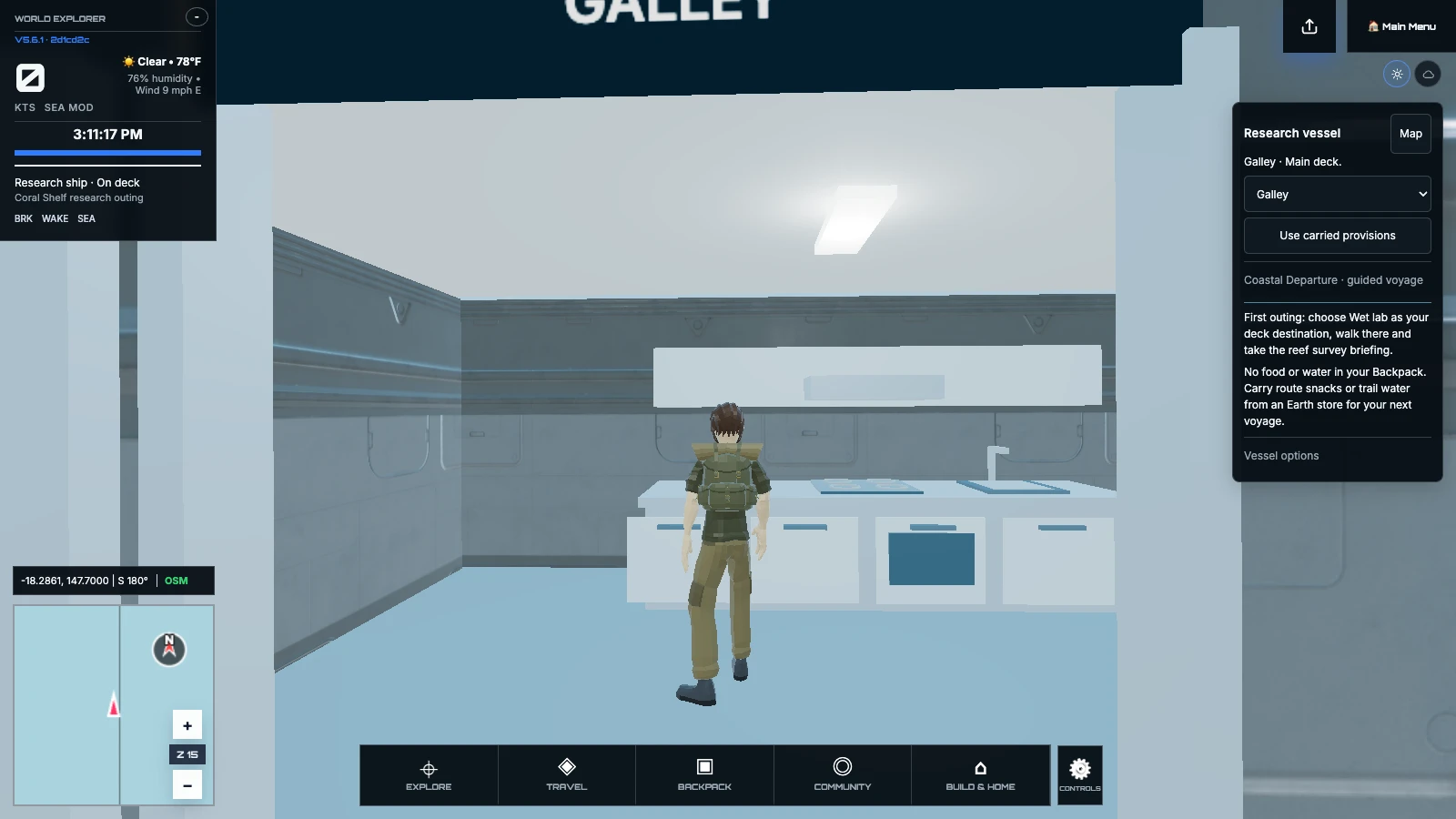
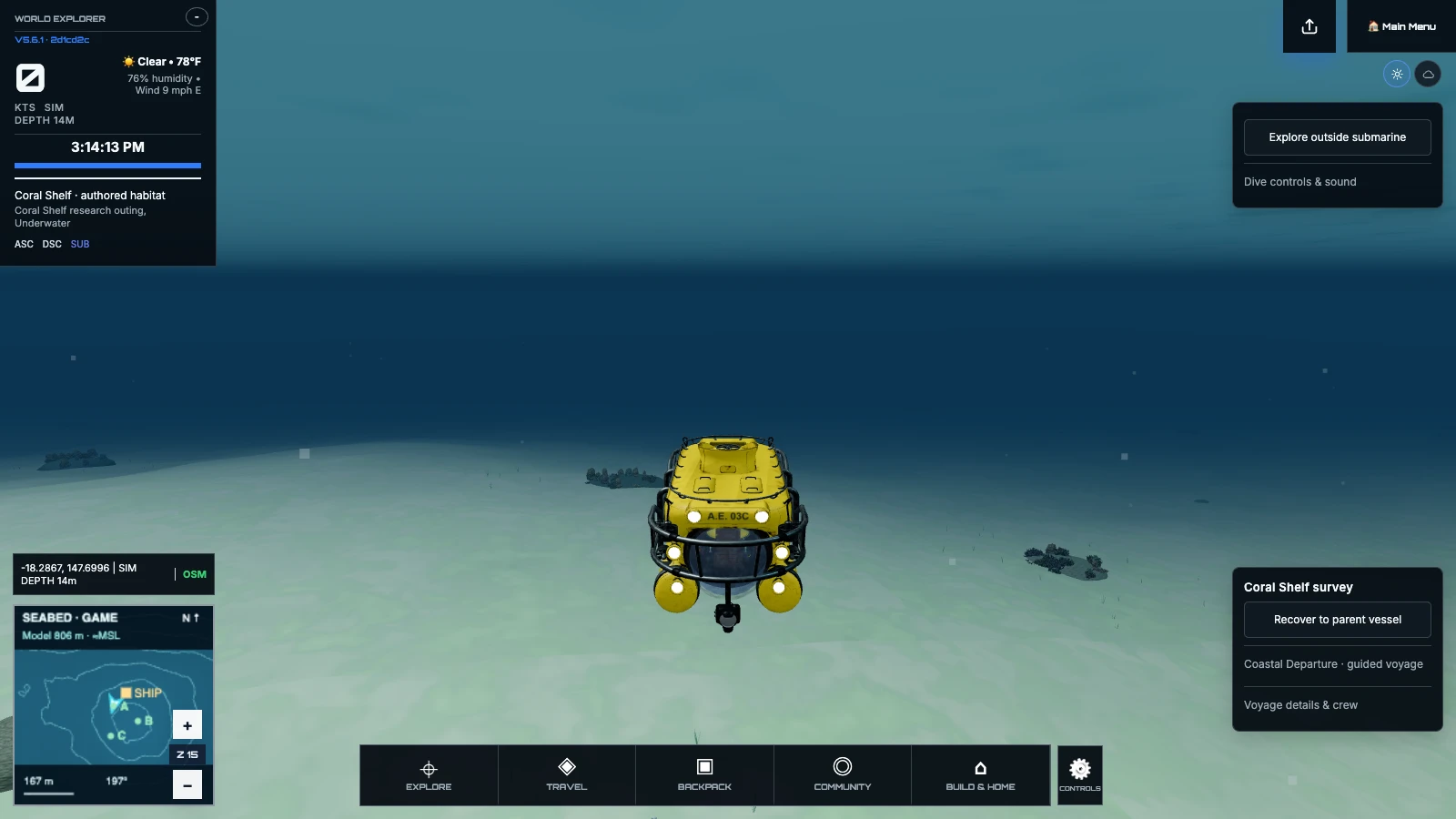
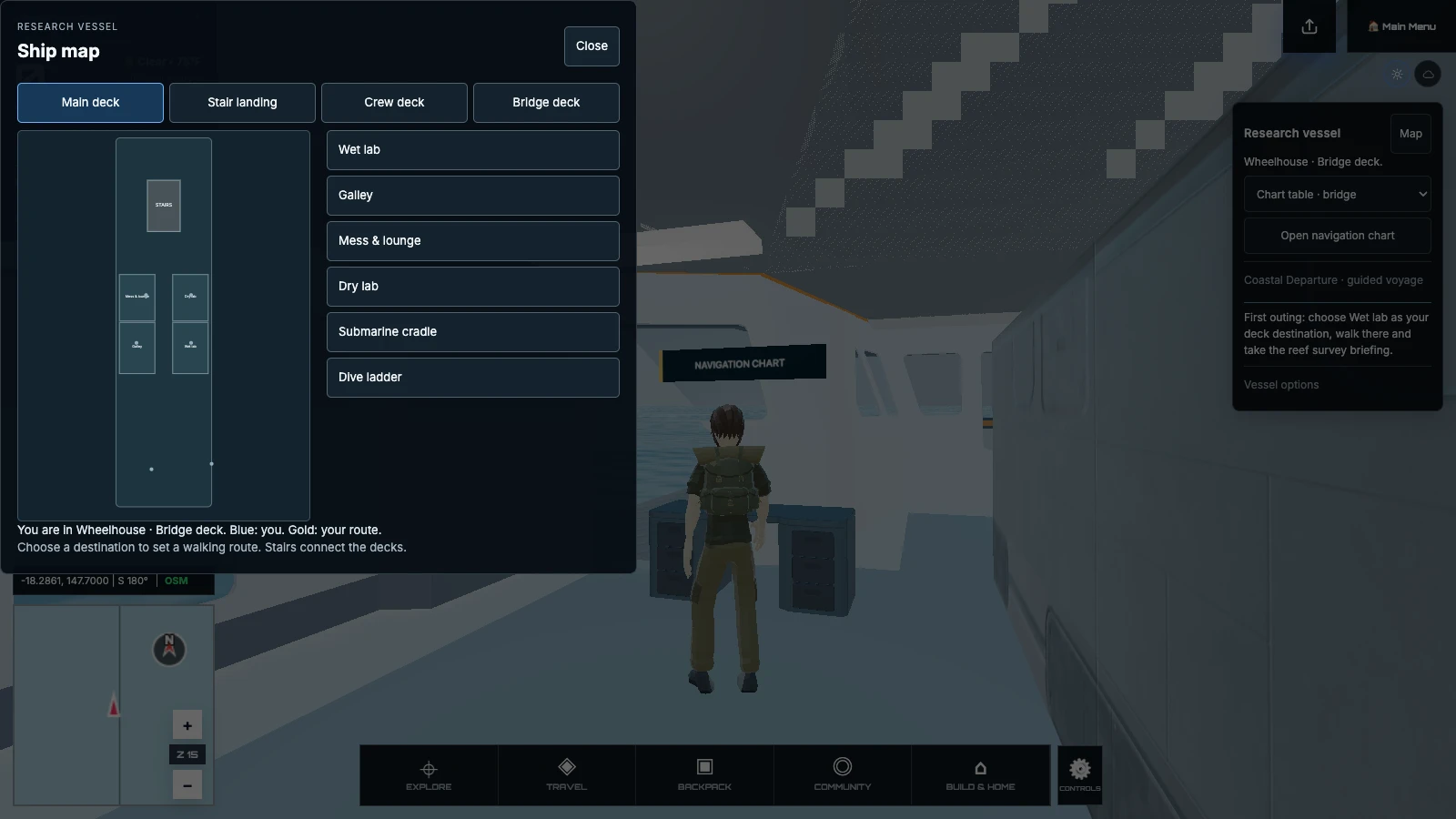
Move through a working vessel, prepare an outing and deploy its submarine. Bring your observations back to the lab, or keep exploring a geographic voyage with nearby scenery that follows your travel.
Enter from Baltimore’s streets, follow the visitor routes and keep notes in your Journal. These first aquarium and museum visits each have their own layout, exhibits and map.
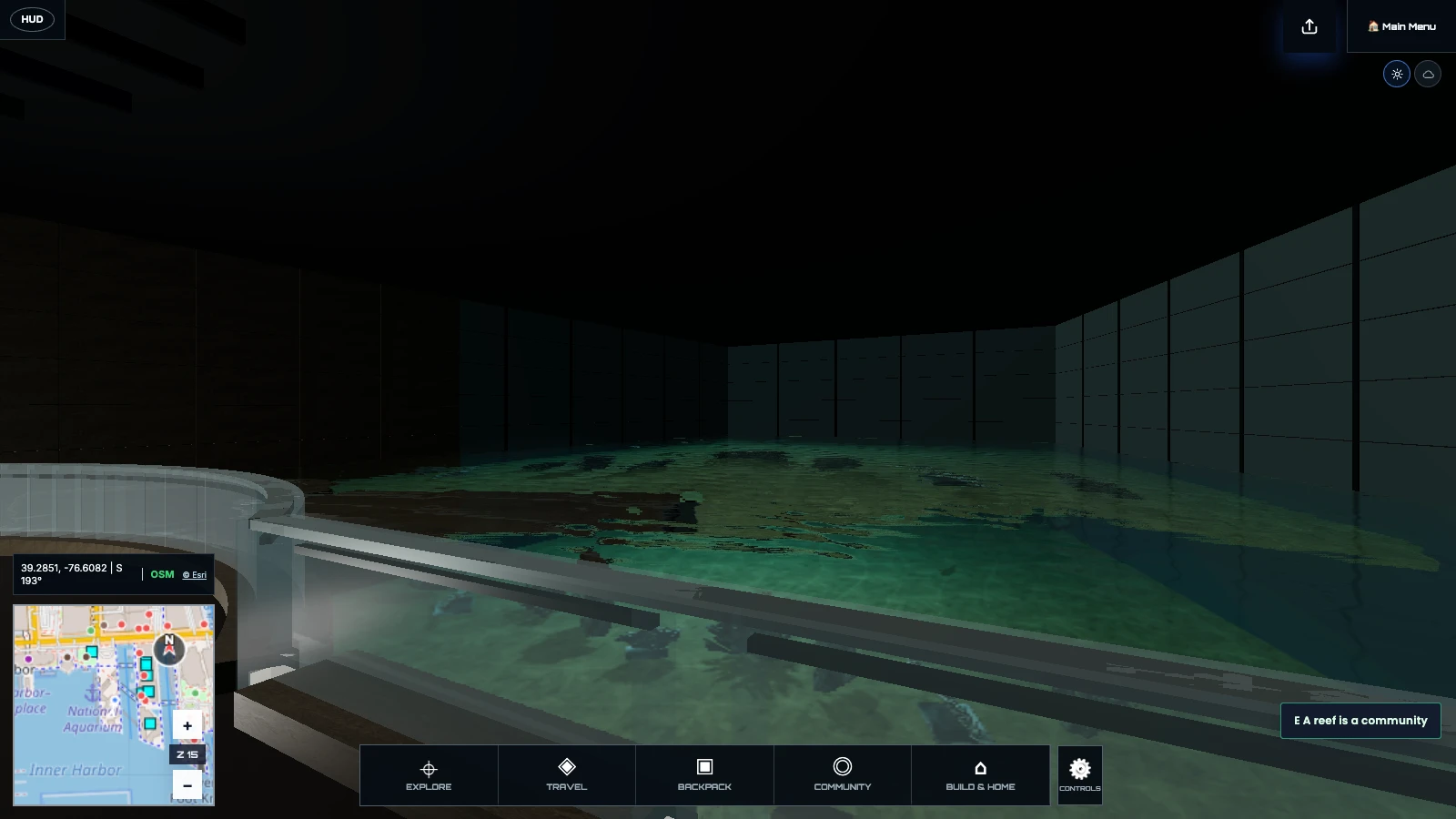
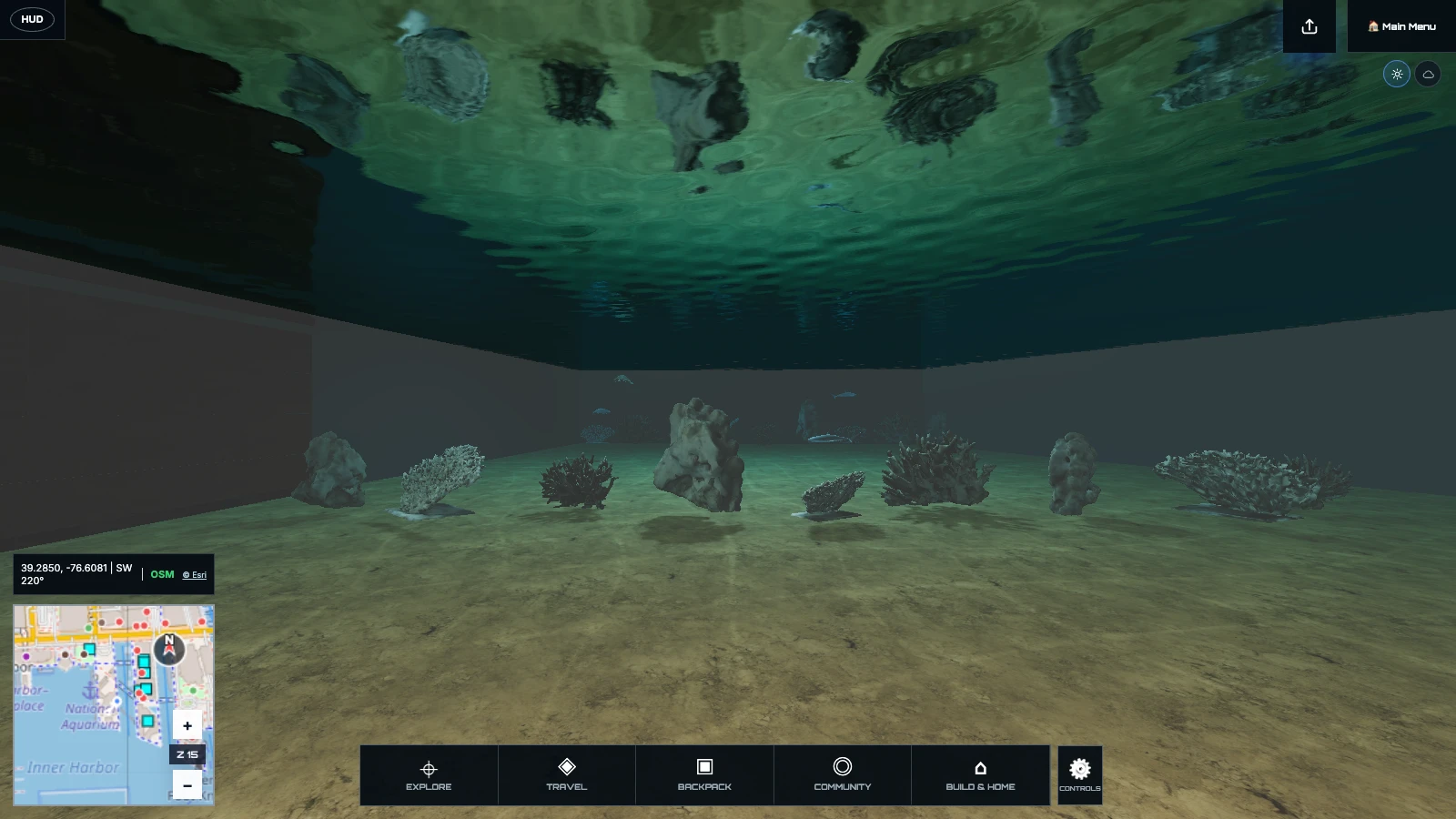
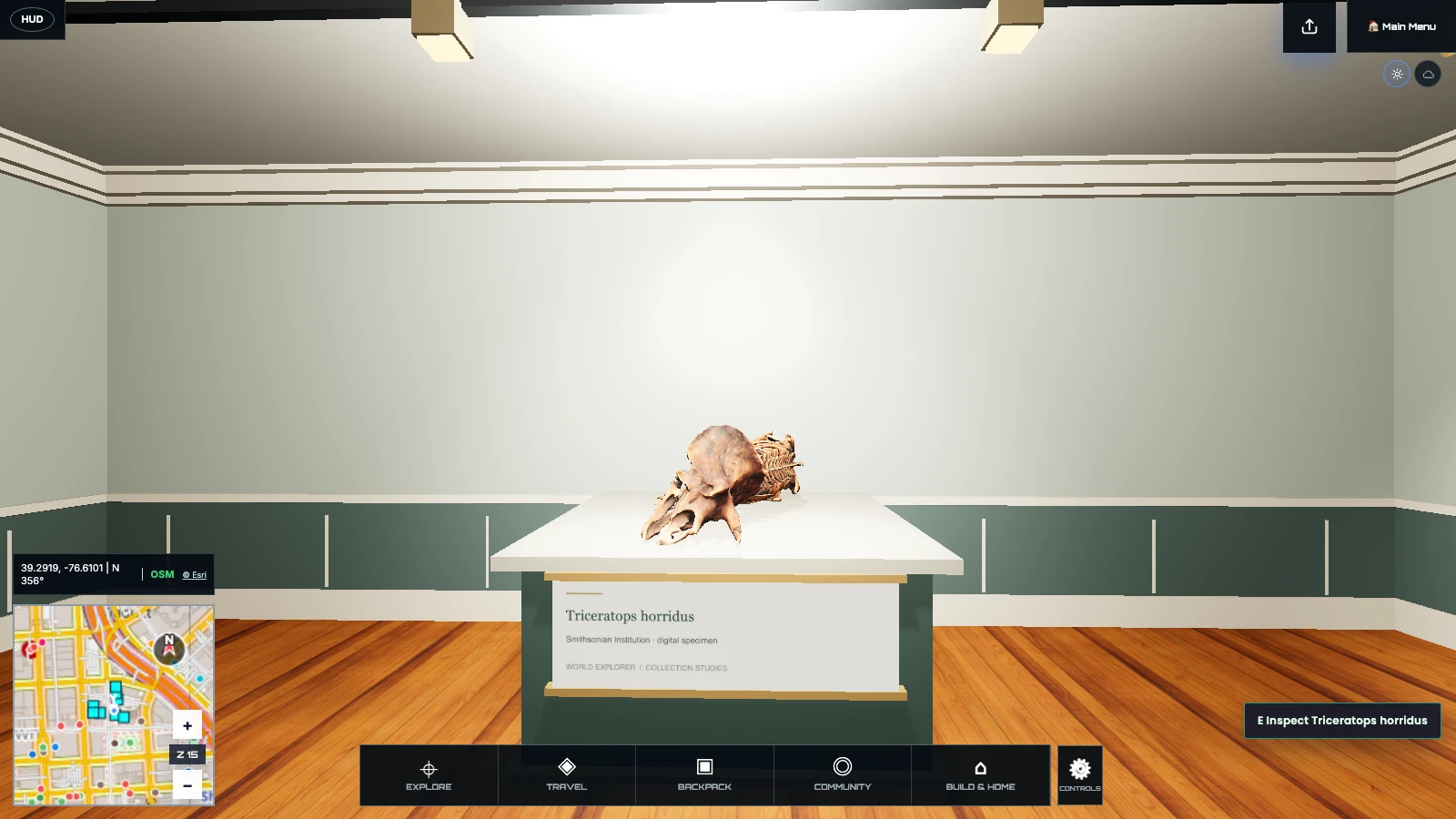
Limited, independent interpretations of the National Aquarium’s Pavilion and Blacktip Reef route and The Peale’s front galleries. Other exhibits and rooms are not yet included.
The systems are organized around what you are trying to do. Travel changes your point of view. Field work deepens a place. Creation and multiplayer let your time there leave a trace.
Search the globe, enter a location, then walk, drive, boat, fly, orbit, or visit the Moon without leaving the connected world.
Use a field journal and activity-specific tools to study wildlife, plants, rocks, landmarks, and finds tied to place.
Build rooms and objects, contribute reviewed world edits, preserve memories, and explore together through multiplayer.
The world is available without a payment decision at the door. An account keeps multiplayer and persistent progress together. Donations are optional and support hosting and continued development.
Start in the browser, learn the controls in context, and use the core world before creating an account.
If World Explorer becomes a place you value, you can help keep it online. Support never gates the core experience.
It is an open exploration experience with game systems, but no single required storyline. Your goals can be travel, discovery, collection, creation, learning, or spending time with other explorers.
Yes. World Explorer builds its world from geographic data and open real-world feeds, then fills in the playable scenery and activities needed for exploration.
Regional terrain and buildings can follow your travel. Detailed streets, interiors and activities stay within the selected district; this is not yet a seamless worldwide simulation.
Yes. Mobile includes touch controls and field activities. A desktop browser is currently recommended for the highest rendering quality and the largest city scenes.
No account is required for core exploration. Sign in when you want multiplayer and persistent account-linked progress.
Yes. Quick Build places Blocks in the current location. Local builds stay on this device, while room builds can be shared with other signed-in explorers.
Enter the world now, or begin with a familiar place and discover what changes when it becomes somewhere you can inhabit.