WORLD EXPLORER 3D

Your world, within reach

Take the journey
with you.

Explore real places, follow a career, or make somewhere your own. Play on your phone, tablet or computer.

Play in your browser

Free core game · Internet required

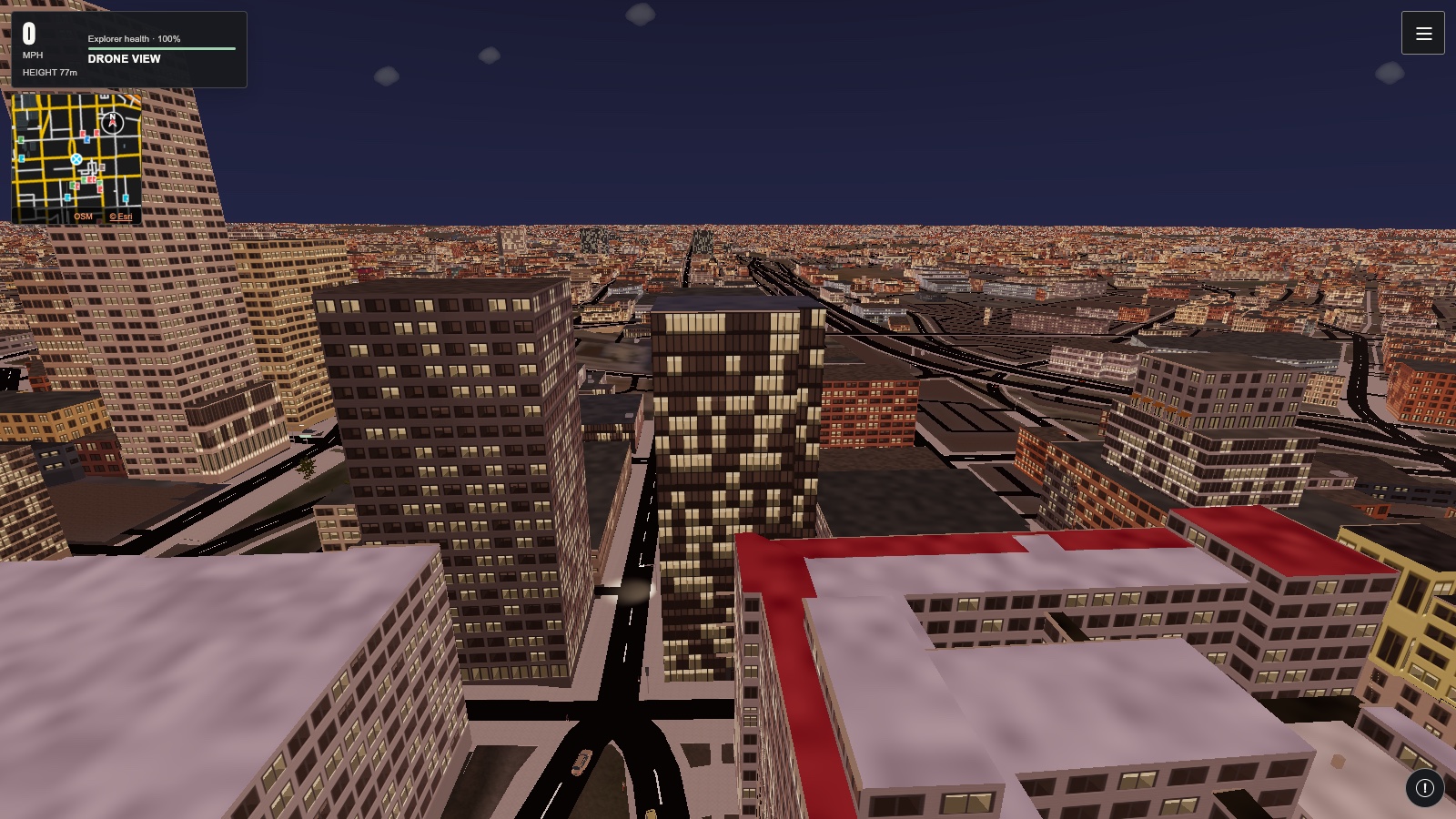
Baltimore streets and skyline seen from the game's drone
Baltimore · actual gameplay

Choose your device

One world. More ways in.

Android 10 and later

Android

Download the signed Android app, or install the web app from your browser.

You are using the Google Play edition. Updates are provided through your Play testing track.

Installing the Android download

Open the APK after downloading. Android may ask you to allow installation from this browser; review the device prompt. Download only from the official World Explorer release. Future direct-download updates use the same signing key.

Google Play uses its own signing certificate. To switch between a direct download and the Play edition, save your account journey first; your device may require uninstalling the other edition.

Google Play is currently in testing. Request test access · Open Play testing.

iPhone and iPad

iOS & iPadOS

The full web app is ready to add to your Home Screen. The App Store edition is being prepared.

Open in Safari
Add to Home Screen
  1. Open the game in Safari.
  2. Tap Share, then Add to Home Screen.
  3. If shown, turn on Open as Web App, then tap Add.

Open World Explorer 3D from its new icon. No App Store account is needed for the web app.

Windows · Mac · Linux · Chromebook

Computer

Play in a supported browser, or add World Explorer to your apps.

Open the game
Install on your computer

In Chrome or Edge, use the install icon in the address bar or choose Install app in the browser menu. On a Mac with Safari 17 or later, choose File → Add to Dock.

Keep your journey with you.

Sign in on each device and check your account save in Journal. Your personal progress can follow you. Guest progress stays on its device; export a backup before moving browsers or uninstalling.

How your data is saved

Prefer the web app?

The browser handles installation. The game stays online and updates when you open it with a connection.

Android browser installation

Open the game in Chrome or Edge. From the browser menu, choose Install app or Add to Home screen, then confirm.

Other browsers and devices

Look for Install app or Add to Home Screen in your browser menu. If neither is available, bookmark the game. Graphics and installation support depend on your device.